Guide
How to Gift Skins in Fortnite: Rules and Fixes
Gifting a Fortnite skin takes 2FA, level 2 and a friend added at least two days ago. The steps, the five-a-day limit, and why a gift won't go through.
· Facts checked · 5 min read
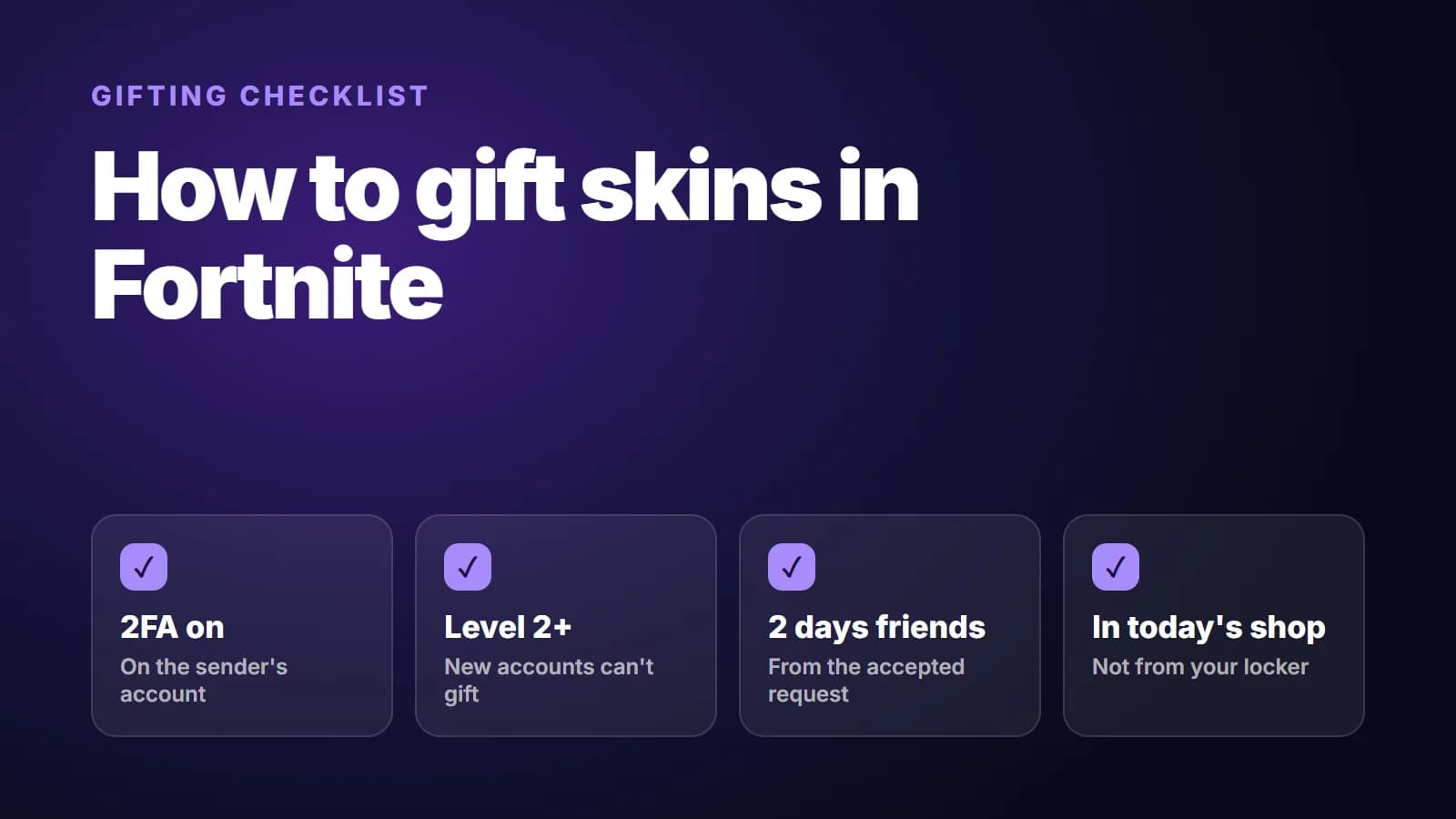
To gift a skin in Fortnite, open the Item Shop, pick the skin, choose the gift option and select a friend. It only works if your account has two-factor authentication, you've reached level 2, and your friend has been on your friends list for at least two days.
There are a few more rules, including settings on your friend's account that you can't see from yours. Here's what each side needs.
What you need before you can send a gift
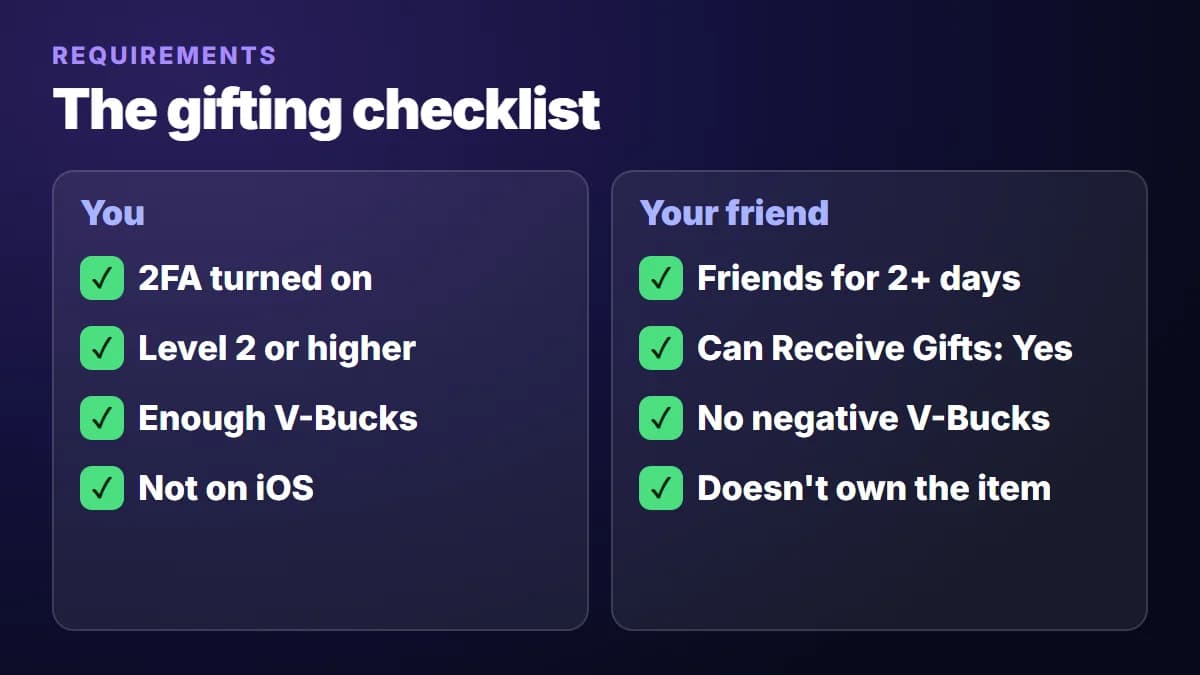
On your account:
- Two-factor authentication (2FA). Turn it on under Password & Security in your Epic Games account, following Epic's 2FA instructions. You can get codes by email, SMS or an authenticator app.
- Level 2 or higher. A brand-new account can't send gifts yet.
- Enough V-Bucks for the item at its gift price.
- A supported platform. Epic lists PC, PlayStation, Xbox, Switch and Android. iOS isn't on the list.
On your friend's account:
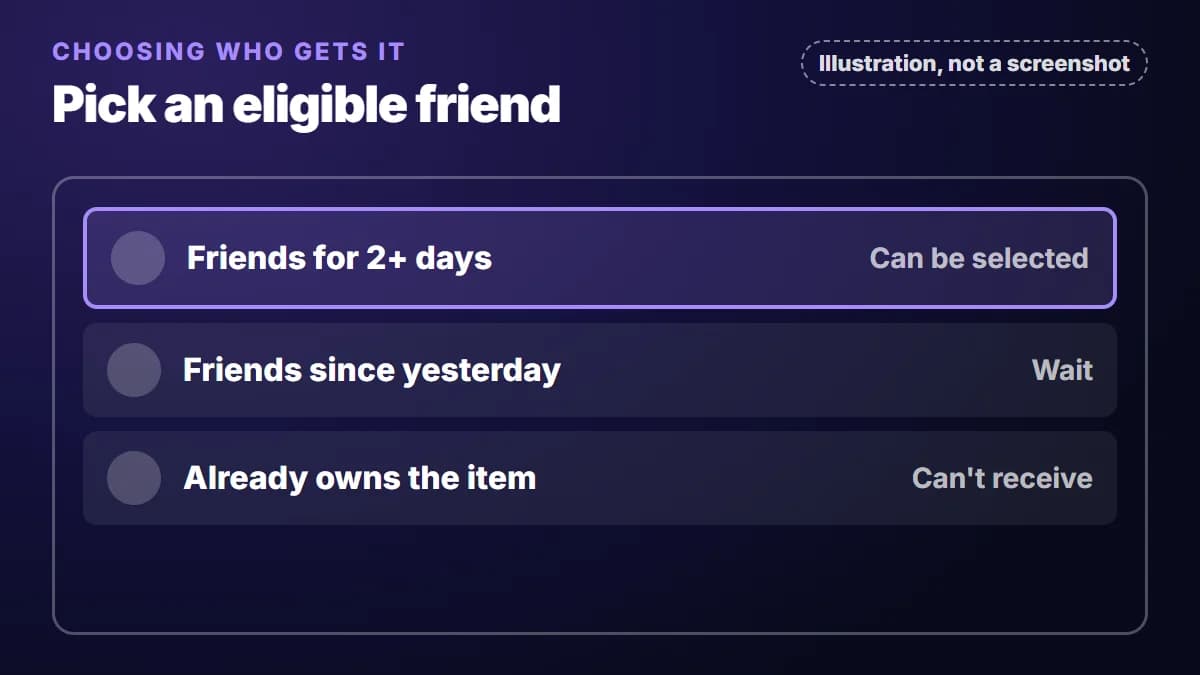
- At least two days on your friends list.
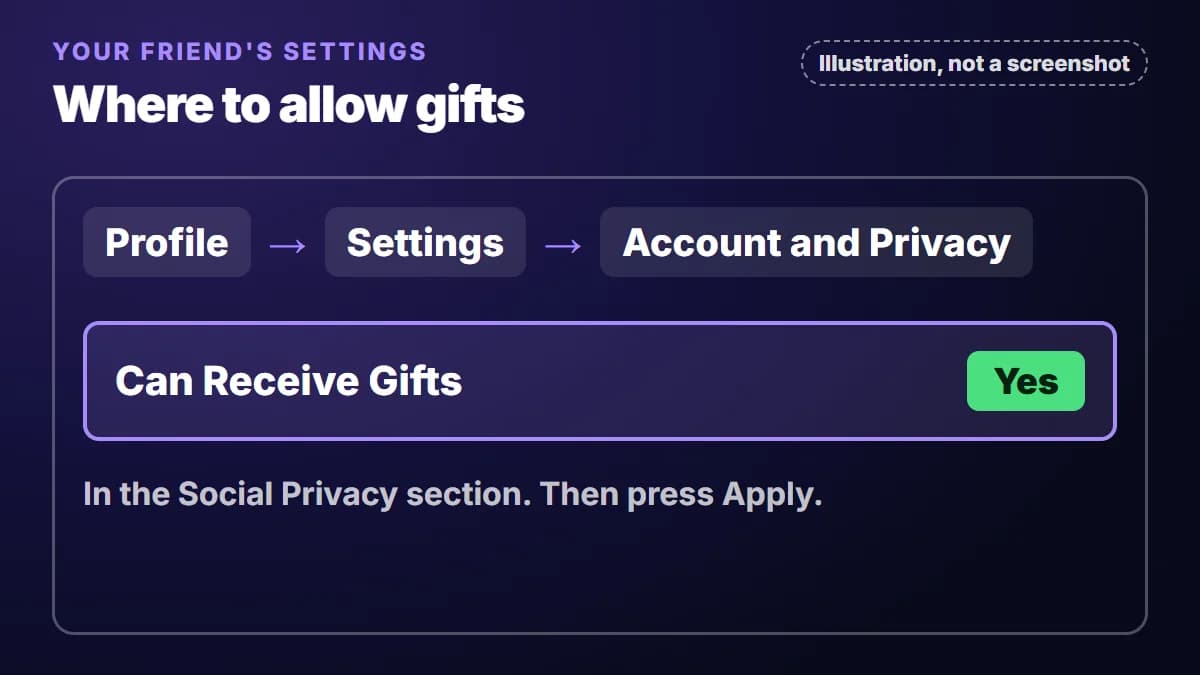
- "Can Receive Gifts" set to Yes. In the game's settings, it's on the Account and Privacy tab under Social Privacy.
- A V-Bucks balance that isn't negative.
- The item isn't already theirs.
How to send the gift
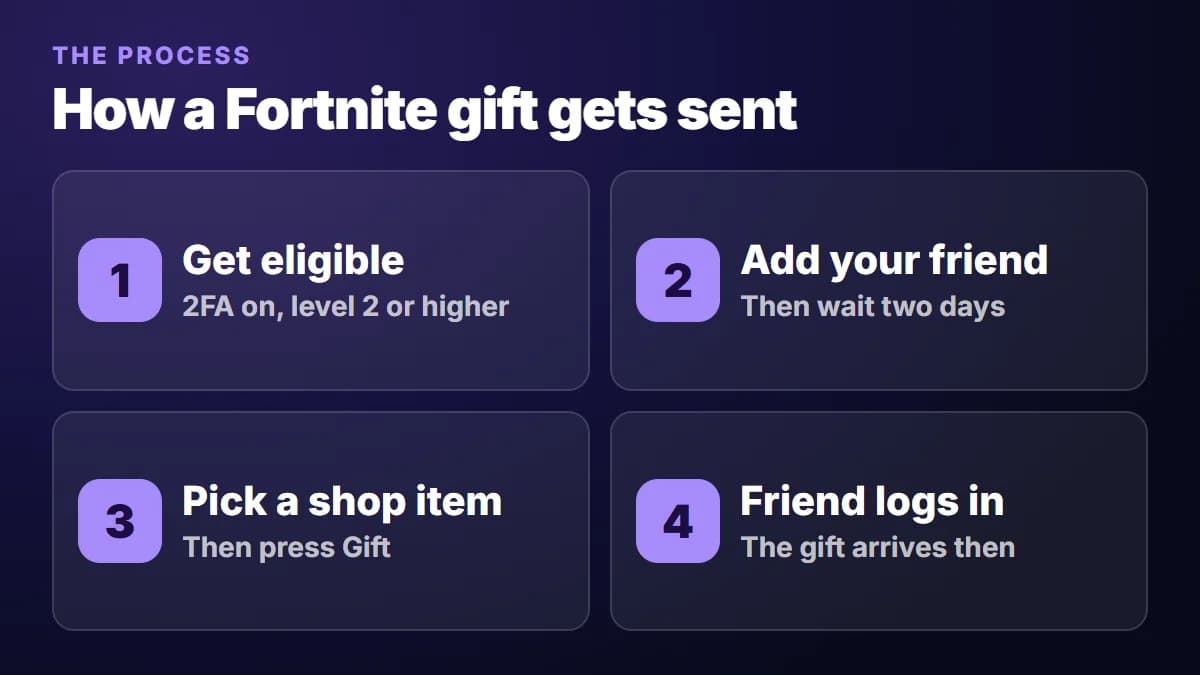
- Open the Item Shop and select the skin. It has to be in today's shop; you can't gift from your locker.
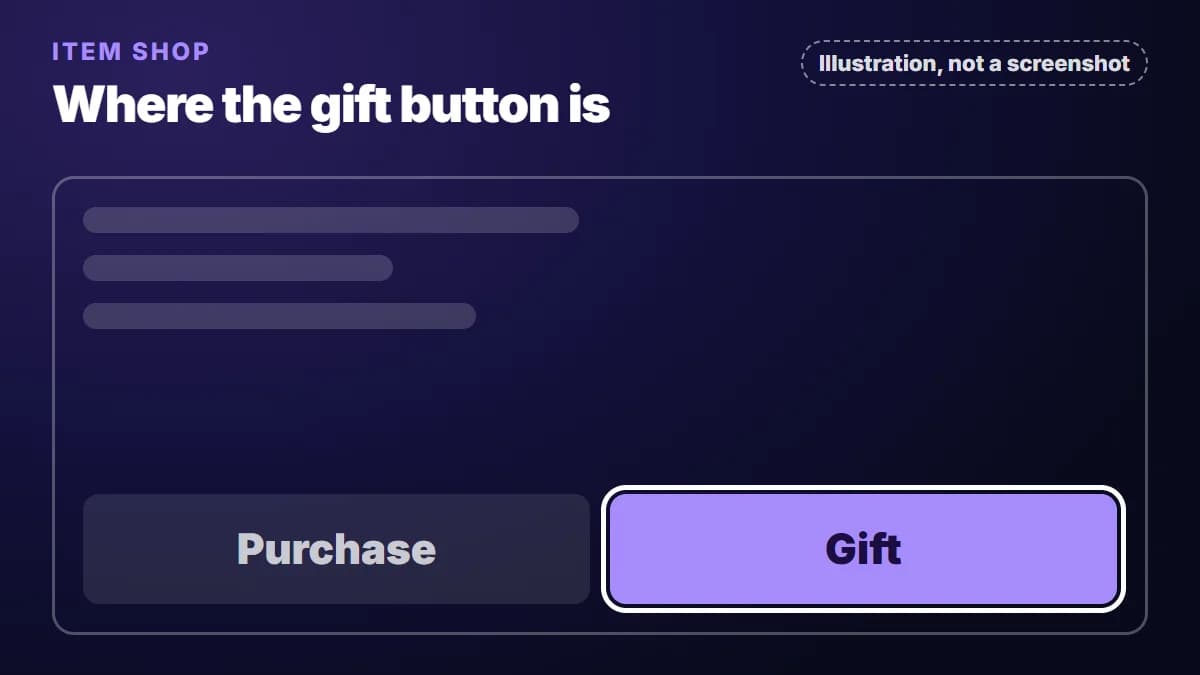
- Choose the gift option next to the purchase button. It has been labelled both Gift and Buy as a Gift, so look for either.
- Find your friend by their Epic display name, and check the spelling. Gifts can't be refunded, so a gift sent to the wrong person is gone.
- Confirm the purchase.
Your friend receives the gift the next time they log in.
The two-day rule is the one to plan around
Epic's rule is "at least 2 days" on your friends list, which is why you'll also see it called the 48-hour rule. The wait only begins once the two of you are actually friends, so a request sitting unanswered doesn't count.
The awkward part is how this interacts with the Item Shop. Since you can only gift what's in the shop right now, a friend you add today can't receive a skin that leaves tomorrow. If you already know who you'll be buying for, say for a birthday or Christmas, add them well before you need to. To see how often an item has appeared, and when it was last in the shop, look it up in our Fortnite item archive.
What you can't gift
Epic rules out:
- V-Bucks, including packs that contain V-Bucks
- Fortnite Crew and Battle Pass levels
- Passes bought with V-Bucks, and Event Passes
- Real-money offers, except OG, LEGO, Festival and Battle Passes (pass gifting is switched off towards the end of a season)
- Anything not in the Item Shop today
- Dynamically priced bundles when your friend already owns one or more items in them
- Some other special offers, such as Battle Pass level bundles
If your friend wants V-Bucks rather than a skin, they'll need to add them to their own account, either in the game or with a V-Bucks pack from our store. Unlike a gift, that pack does need their Epic login at checkout.
Why your gift won't go through
| Likely cause | What to do |
|---|---|
| Friends for under two days | Check when the request was accepted, then wait |
| Your friend owns the item, or part of a bundle | Pick something else, or gift the other items one by one |
| You've used your five gifts | Each slot returns 24 hours after the gift that used it: send one at 9:00 PM and it's back at 9:00 PM the next day |
| Your friend has gifts turned off | Ask them to set "Can Receive Gifts" to Yes |
| Their V-Bucks balance is negative | They have to clear it first |
| A child's account | A parent can require a PIN before the account sends or accepts friend requests, so the two-day wait may never have started |
| You're on PC and nothing above fits | Epic suggests deleting Fortnite's temporary files, which can hold old or corrupted information, then trying again |
Why the gift price can look higher
If you already own part of a bundle, the shop may show you a discounted price. That discount is based on your locker, so it might not apply when you buy the same bundle for someone else. The price is recalculated for whoever receives the gift.
Gifting without V-Bucks
If you have the V-Bucks and a friend who meets the rules, the steps above are all you need. A store like ours is for when you'd rather not buy a whole V-Bucks pack for one item, or you want a skin sent to your own account. We sell this service, so weigh that as you read.
You pay in euros for that item only and give us your Epic display name, never your password. Our gifting account sends a friend request after payment, the gift goes out through Fortnite's own gifting feature, and you can follow it from your order page. Epic's rules still apply to us:
- Accept the request, then wait two days. Nobody can skip this, us included. If you've already been friends with our gifting account for two days or more, the gift goes out right after payment.
- Friend requests can bounce. Privacy settings or a full friends list can block ours, so check those if a request never arrives.
- Some items can't be ordered in time. We won't take an order for an item that would leave the shop before the gift could be sent. For a new friend, that means about 50 hours: 48 for the rule, plus time to accept the request and process the gift.
The Fortnite Item Shop page shows today's items with their gift prices, and it can check whether your account is ready for a gift. If you sign in, you can send yourself the friend request before you buy, so the two days are already running when a skin you want shows up. Orders we can't deliver are refunded in full, as our refund policy explains, and the FAQ covers the rest.
Sources
Store owner
I run Accountcenter (getaccupgrade.com), where we sell digital subscriptions and gaming upgrades. I work on Fortnite gifts, Discord boosts and customer support, and I write about how these services work and what to check before buying.